

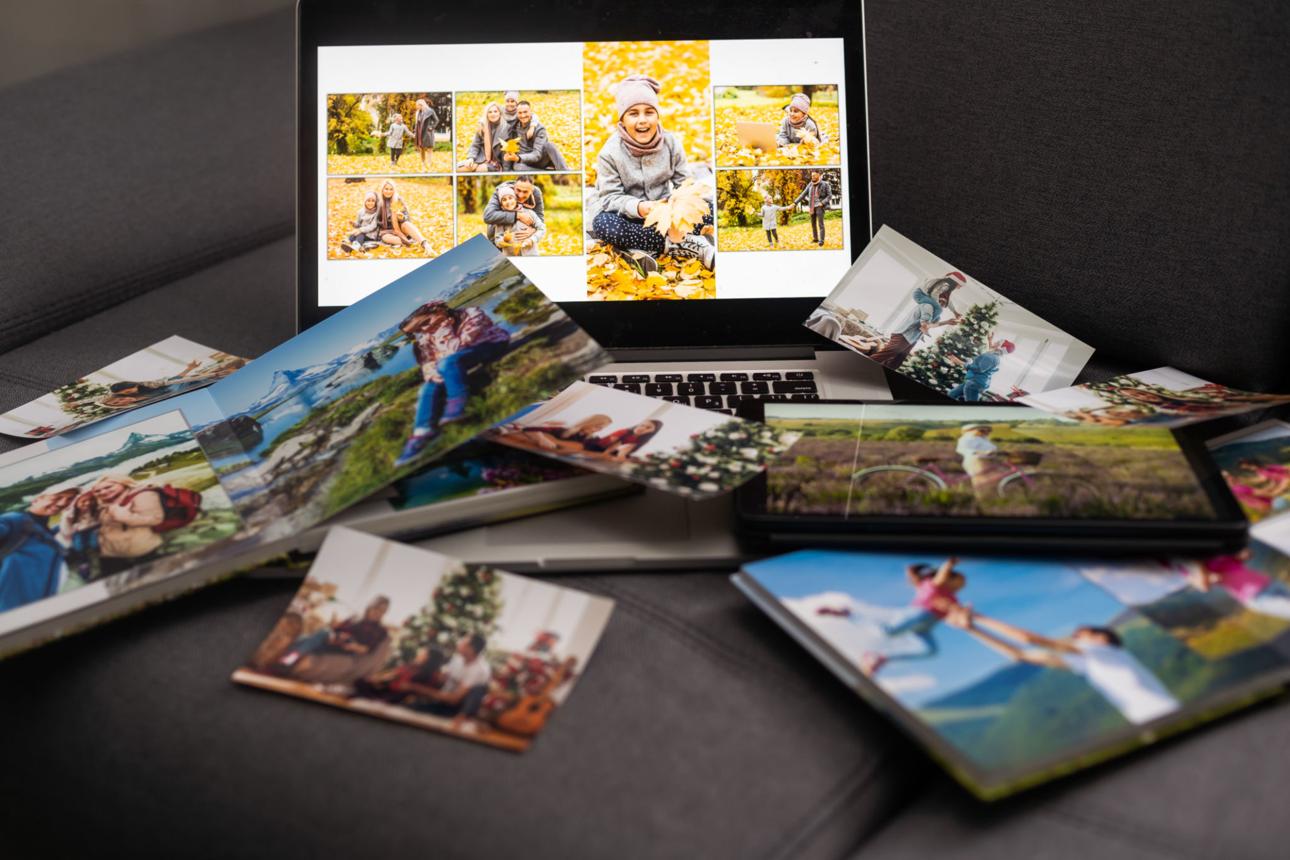
The Day My Customer Nearly Lost 30 Years of Family Photos
There are some jobs you never forget.
This was one of them.
One afternoon a customer rang me in a panic.
"My computer won't turn on."
At first, it sounded like another routine repair.
But within a few minutes I realised this wasn't just about fixing a computer.
It was about trying to save a lifetime of memories.
One Simple Question
Whenever I look at a computer that has failed, I always ask one question.
"Do you have a backup?"
The room went quiet.
"No... everything is on that computer."
Then they started listing what was on it.
Their wedding photos.
The children growing up.
Family holidays.
Photos of birthdays.
Pictures of parents and grandparents who had since passed away.
Thirty years of family memories.
Stored in one place.
The Hard Drive Had Failed
After checking the computer, I confirmed what I was afraid of.
The hard drive had failed.
Sometimes data can be recovered.
Sometimes it can't.
There are specialist companies that can recover damaged drives, but it can cost hundreds or even thousands of dollars, and even then there are no guarantees.
Thankfully, in this case, I managed to recover most of their photos.
The relief on their faces was incredible.
But it could just as easily have been a very different ending.
Your Computer Isn't the Valuable Part
Computers can be replaced.
Family photos can't.
Your computer might be worth a thousand dollars.
Your memories are priceless.
Photos tell the story of your life.
Your children's first day at school.
Your wedding.
Family Christmases.
The holiday you've been saving for.
The last photo you ever took with someone special.
Those moments can never be recreated.
How to Protect Your Memories
The good news is protecting your photos is easier than ever.
- Use an external hard drive. Automatic backup software can save copies every day.
- Use cloud storage. Services like Microsoft OneDrive, Google Photos and Apple iCloud can automatically back up your pictures.
- Follow the 3-2-1 rule. Keep three copies of your important files, on two different types of storage, with one copy stored somewhere else.
Glenn's Tip
I often ask customers one simple question.
"If your computer died tonight, what would you wish you'd backed up?"
Almost everyone gives the same answer.
"The photos."
If that's your answer too, don't put it off until tomorrow.
Final Thoughts
Technology doesn't usually give us any warning before it fails.
Hard drives wear out.
Laptops get dropped.
Power surges happen.
Accidents happen.
The best time to back up your family photos was yesterday.
The second best time is today.
Spending just a few minutes setting up an automatic backup could save you from losing memories that can never be replaced.
0 Comments
Comments are moderated before appearing publicly.
Be the first reader to join the discussion.